Roles overview
Access is split between Admin dashboard roles (Django users + profile role), POS terminal access (per terminal password), and ecommerce customers (store accounts).
Admin dashboard roles
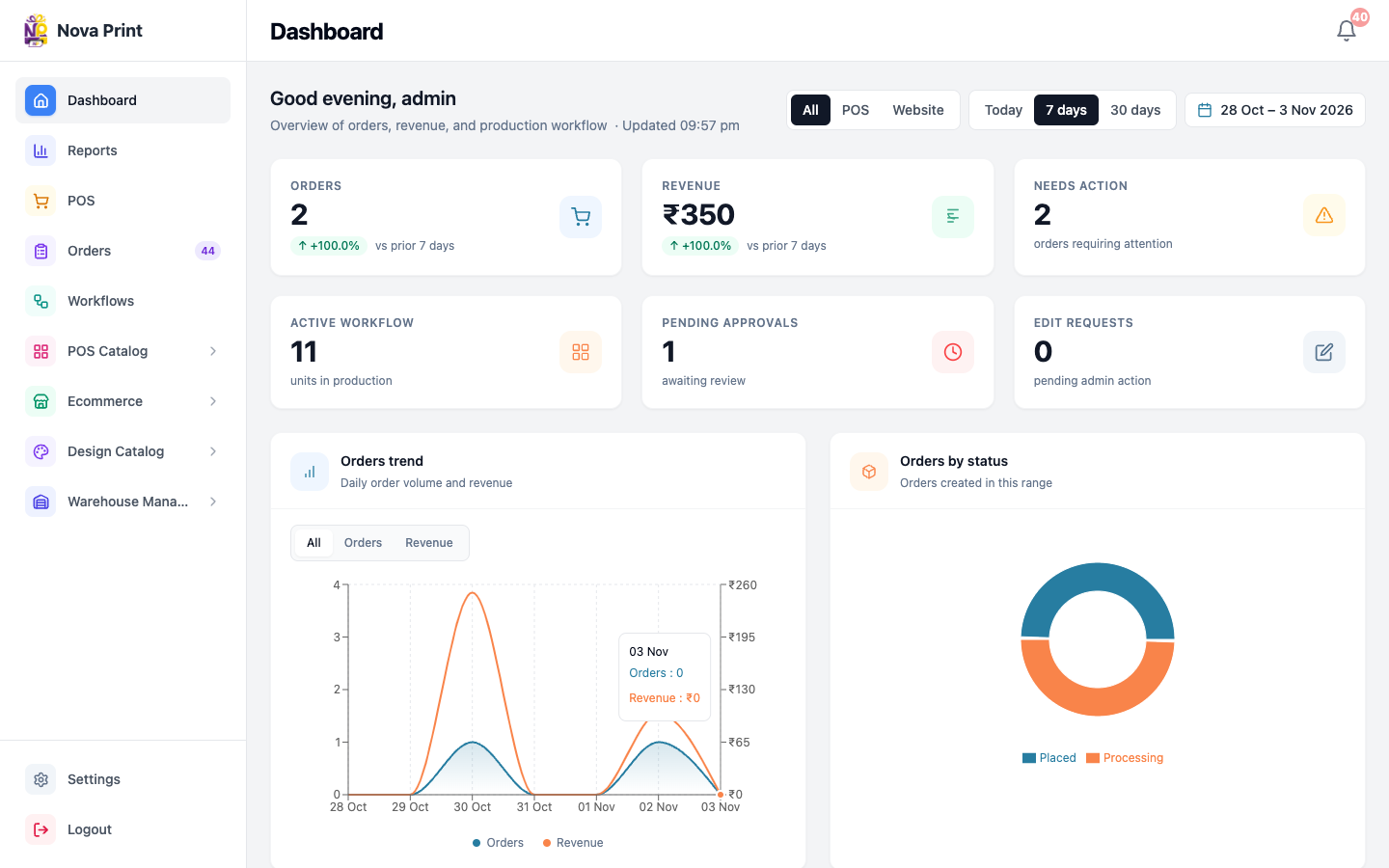
Admin sign-in uses username + password. After login, the app redirects by role (RoleRedirect).
Staff/superuser accounts are treated as admin (full dashboard access). Other users get a profile role of one of: stock, design, print, accounts.
| Role | Who | Default landing | Typical access (Admin app) |
|---|---|---|---|
Admin (is_staff / is_superuser, or role admin) | Owners, managers | /dashboard | Dashboard, reports, POS terminal management, orders, workflows, warehouse, POS catalog, ecommerce content, design catalog, settings, users |
| Stock | Warehouse / catalog operators | /warehouse/products | Warehouse (products, categories, properties, warehouses, transfers), POS catalog, ecommerce pages, design catalog |
| Design | Design workflow staff | /workflows | Workflows (shared with print) |
| Print workflow staff | /workflows | Workflows (shared with design) | |
| Accounts | Finance / order reviewers | /reports | Reports and orders |
Notes from the code:
- Admins bypass role gates and can open stock/accounts/workflow areas.
- SQL Editor (
/sql-editor) is superuser only — hidden URL; ordinary staff must not expect access. - Staff users are created under Settings → Users in Admin (“Add staff, assign roles…”). Verify in UI for exact fields and role dropdown labels.
POS cashier (terminal)
POS is not the same login as Admin.
- Open the POS URL for a terminal slug (for example
https://pos.novaorder.in/main-counter). - Unlock with the terminal password configured for that Point of Sale.
- Session uses a POS access key (
X-POS-Access-Key), not the Admin JWT user role.
Cashiers can sell, create customer links and catalog links, work orders, and adjust POS settings for that terminal (store address, UPI QR, etc.). Verify in UI which Settings tabs your build shows.
If too many failed unlock attempts occur, the terminal can lock — an Admin must unlock it from Admin POS management.
Ecommerce customer
Store customers register/sign in on the ecommerce site with email + password (/account/register, /account/login).
They can:
- Browse products and use the cart
- Checkout with Cash on Delivery and/or Razorpay when those methods are enabled for the store
- Manage account areas such as orders and addresses under
/account/...
Customer-link and catalog-link shoppers often do not need a store account; they use the link the shop shared. See Quick start for customers.
Quick comparison
| Admin staff | POS cashier | Ecommerce customer | |
|---|---|---|---|
| App | Admin | POS | Store (+ optional Checkout / catalog routes) |
| Credentials | Username + password | Terminal slug + password | Email + password (optional for link flows) |
| Managed in | Settings → Users | Admin → POS terminals | Store register / Admin ecommerce customers (staff) |